


Icon Cold Filter Plugging Point
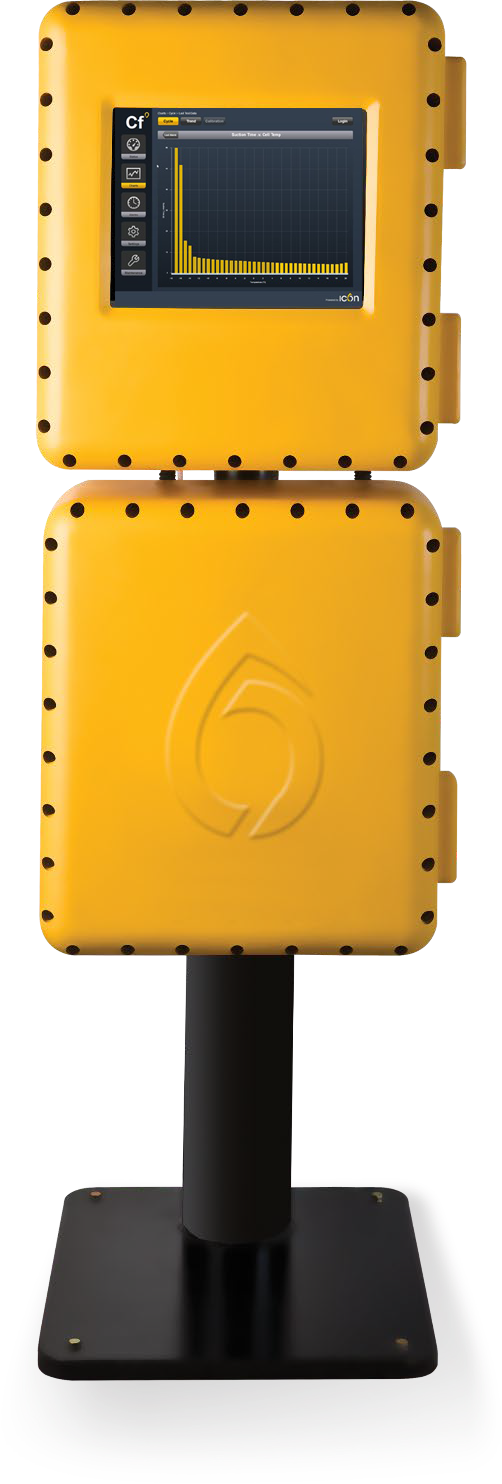

The newest addition to Icon by PAC's suite of cold flow analyzers - revolutionizing CFPP measurement.
Product Overview
Keeping sustainable fuels flowing
Accurate CFPP measurements are increasingly important as refineries move towards greener fuels, such as biodiesels. However, the available technology is unreliable, difficult to use, and costly to maintain.
Now, with Icon’s new CFPP analyzer, refineries can accurately measure CFPP in the process itself. Replicating the ASTM 6371 test method, with a cooling bath and measuring cell at its heart, Icon’s advanced cryo-cooling technology allows for precise control and rapid change of the bath temperature setpoint.
Incorporating the Icon CFPP analyzer into the process allows the refinery to reduce the use of expensive additives and optimize the operating conditions of diesel streams. This accurate and continuous measurement can support the green economy, as well as bringing significant operational savings.
How the CFPP analyzer works
Following the ASTM D6371 test method, the sample is cooled and drawn through a standardized wire mesh filter into a pipette, under a controlled vacuum. This process is repeated, at intervals of 1°C below the initial temperature, until the sample flow is stopped or slowed down to the extent that it takes more than 60 seconds to fill the pipette. The CFPP – the temperature at which the last filtration was commenced – is then reported via Analog Output, Modbus (RS-485, TCP/IP), or OPC.
Key Features

Outstanding cooling performance

In-built flushing cycle

Compliant

Cloud point input
Specs
Inlet Temperature
Maximum 50°C (122°F)
Inlet Pressure
Minimum 1.0 bar (14.5 psi)
Maximum 1.5 bar (22 psi)
Outlet Pressure
Atmospheric
Liquid Drain
Atmospheric, with continuous fall to sample return point (critical).
Vent
Atmospheric (critical), with continuous fall to sample return point.
Sample Flow
9 to 12 L/H
(Non-Continuous)
N.B: Flow only during Flush Typical Consumption 6 L/day
Sample Quality
Filtered to 10 microns (μm). Sample should be ‘clear and bright’ at room temperature and contain no free water.
Instrument Air
Required
Pressure
Minimum 2 bar (29 psi)
Maximum 10 bar (145 psi)
Consumption
Typically, 5-10 L/min
Quality
ISO 8573.1 Class 3
ANSI / ISA-7.0.0
Optional Extra
If optional electronics enclosure cooling is selected, then supply can be taken from the included vacuum control panel.
Coolant
Potable water, or antifreeze mixture. (Do not use sea water)
Inlet Temperature
Maximum 45°C (113°F)
Inlet Pressure
Minimum approx. 2 bar (29 psi)
Maximum 10 bar (145 psi)
Outlet Pressure
Can be returned to pressure, provided minimum flow requirement is achieved.
Flow Rate
Minimum 10 L/H
Recommended 18 L/H
Filtration
100 microns (μm)
Viscosity
Maximum 10 cSt
Breather
Must be to atmospheric pressure.
Power
115VAC 50-60Hz, Max 500VA or 230VAC 50-60Hz, Max 500VA
Location
Unit must be located out of direct wind sun and rain.
Ambient Temperature
+5 to +40 °C
Ambient Humidity
0-95% RH, non-condensing.
Control System
Based on fan-less industrial PC with solid state hard drive.
Graphical User Interface (GUI)
17” armored glass touchscreen. The GUI is used to program the unit and display current and historical analyzer results and alarm status.
Language
User-selectable multilingual display.
Hazardous Area Certification
Exd certified to ATEX, IECEx, UKEx, TIIS, and EACEx standards, suitable for zone 1 or zone 2 use in gas groups IIA, IIB, or IIB+H2, with a variable T-rating depending upon application.
IP Ratings
Tested and certified to IP66/IP67 (dust tight and protected from temporary total immersion in water).
Measuring Range
-35 to +30 °C (-31 to + 86°F)
Repeatability
Equal to or better than repeatability criteria of the relevant test method.
Cycle Time
Typically, 25-90 minutes, dependent on result temperature.
Analog Outputs
1 x 4-20mA (active) isolated outputs provided as standard for process result.
Digital (Contact) Inputs
Run / Standby: reads a customer supplied latching switch to toggle between run and standby modes.
Remote Cal: reads a customer supplied momentary switch to remotely initiate a calibration cycle.
Remote Val: reads a customer supplied momentary switch to remotely initiate a validation cycle.
General Fault Alarms
Alarm limits can be configured for monitored conditions, and set to be Fatal, Warning, or Inactive. Active alarms are notified on screen and stored in the alarm history table.
Digital (Contact) Outputs
Fatal Alarm (NC): a general fault alarm that causes the analyzer to suspend its operation when triggered.
Warning Alarm (NC): a general fault alarm for notification only.
New Result (NO): a variable-length momentary contact to notify that a new analyzer result is available.
Data Valid (NO): indicates that the analyzer is currently running on a process stream, and that data is valid. As opposed to when in standby, or when in Cal. or Val. modes.
Cal/Val (NO): indicates that the analyzer is currently in Cal/Val mode.
Spill Alarm (NC): an alarm contact that triggers if a leak is detected in the analyzer enclosure.
All contact ratings are 24VDC 0.5A, 230VAC 1A
Digital (Signal) Outputs
Calibration Valve: provides a 24VDC signal to an external solenoid valve to switch between process and calibration samples.
Cloud Point input (standard)
The analyzer can read a 4-20mA signal from a Cloud Point analyzer to optimize the first CFPP test temperature.
Set of 3x inputs (optional)
The analyzer can optionally read up to three 0-10V or 4-20mA active signals. These input values can each have high/low alarm levels associated with them to trigger either of the analyzer’s general fault alarms.
Digital (Contact) Inputs
Set of 4x inputs (optional)
The analyzer can optionally monitor up to four volt-free external contacts or customer alarms. These contacts may also be included in the analyzer alarm table to trigger the general fault alarms.
Communications
Modbus RTU or OPC over RS485 or Ethernet (TCP/IP), with optional fiber optics. Optional OPC server software.
Documentation
| Title | Description | |
| Brochure | Cold Filter Plugging Point (CFPP) Brochure | Download |
Related Resources
 PAC Products
 Tech Notes
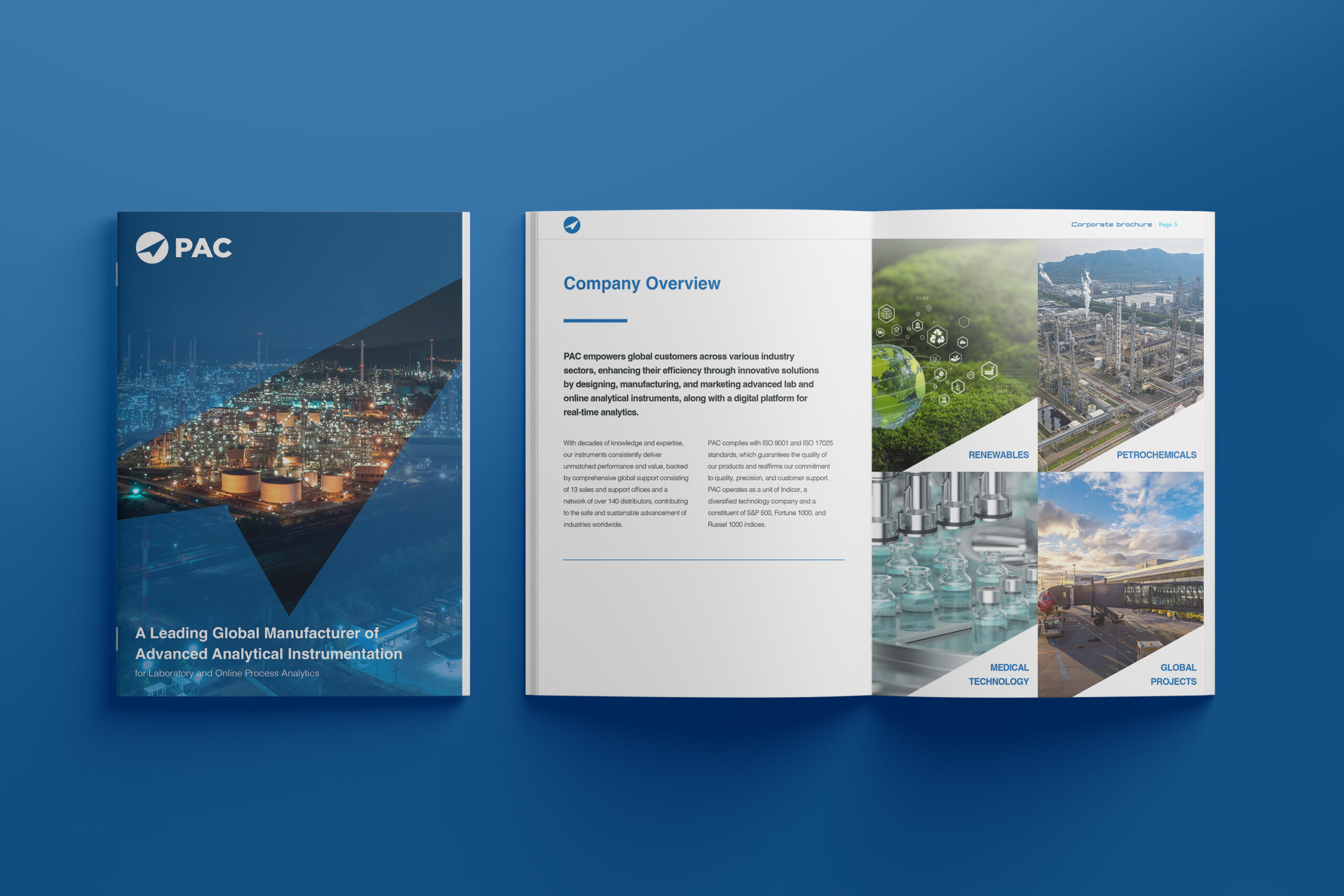
PAC Overview Brochure
Discover PAC’s comprehensive portfolio of solutions designed to elevate your laboratory operations, streamline process workflows, and deliver powerful digital insights. Download the full overview now...
Read More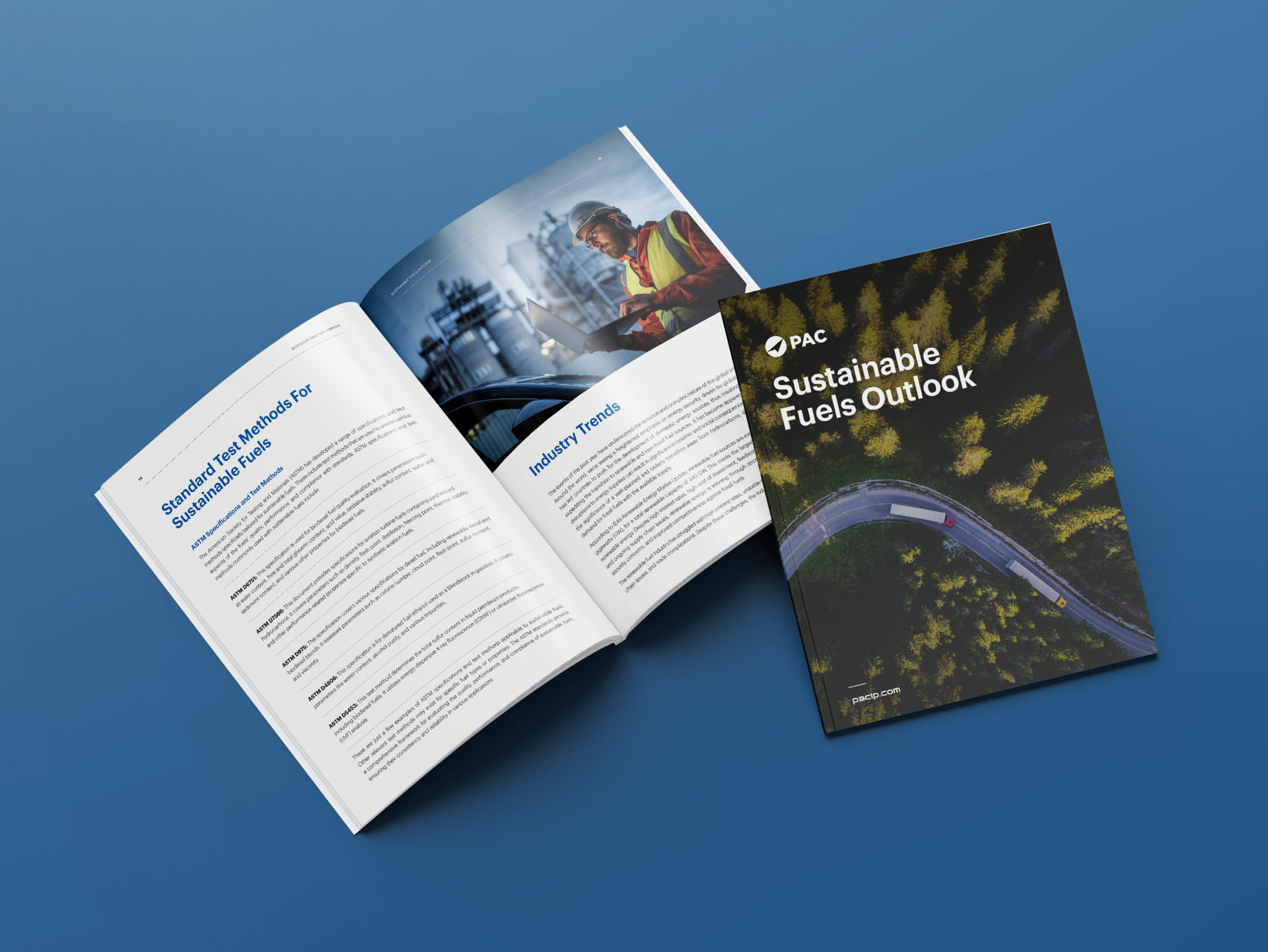
Guide: Sustainable Fuels Outlook
PAC’s Sustainable Fuels Outlook provides an in-depth analysis of the current energy industry, where regional differences in the pace of transition and global uncertainty shape...
Read More
Transforming the Industry with PACe Digital Ecosystem
Transforming the Industry with PACe Digital Ecosystem.
Read More


